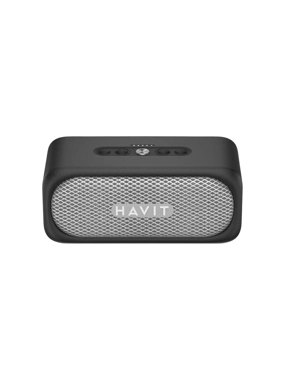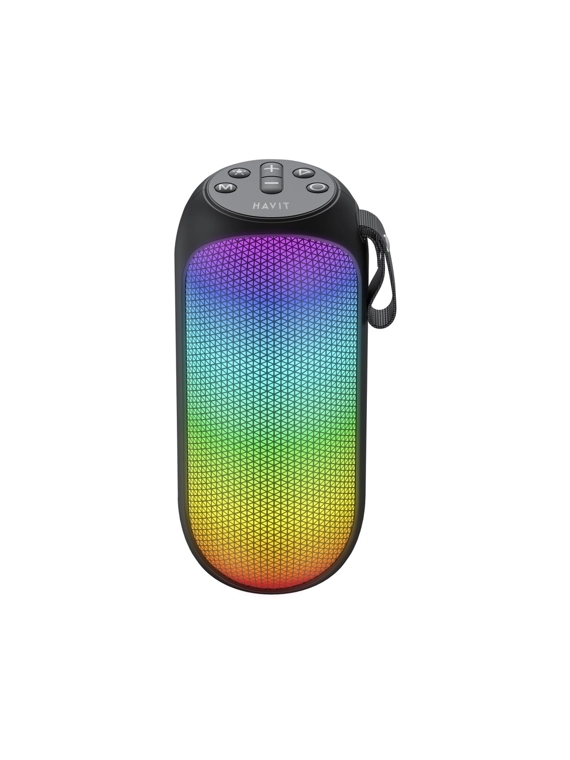
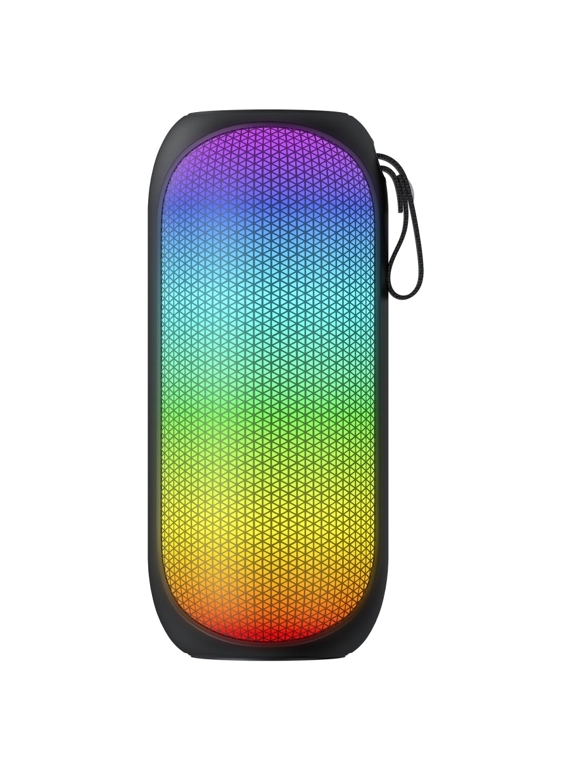
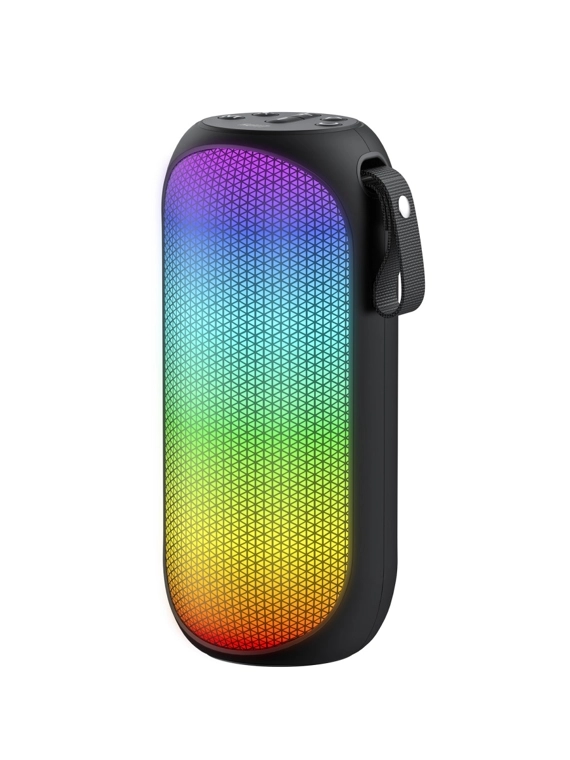
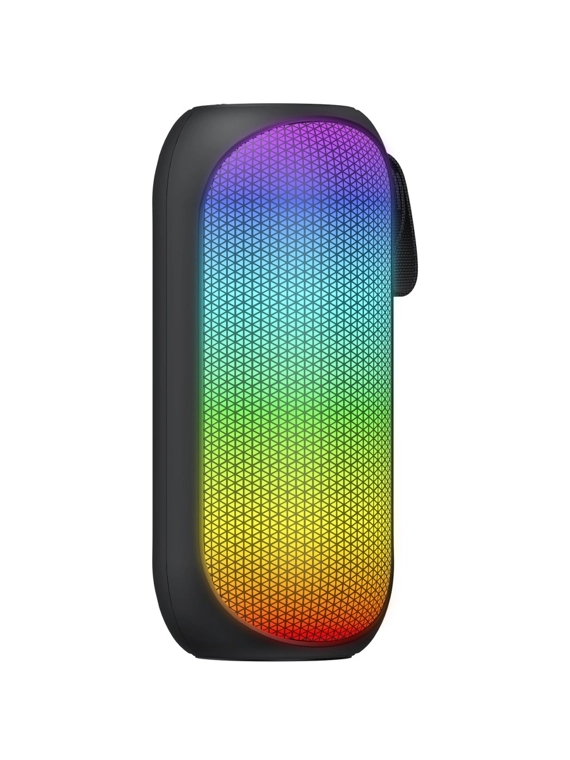
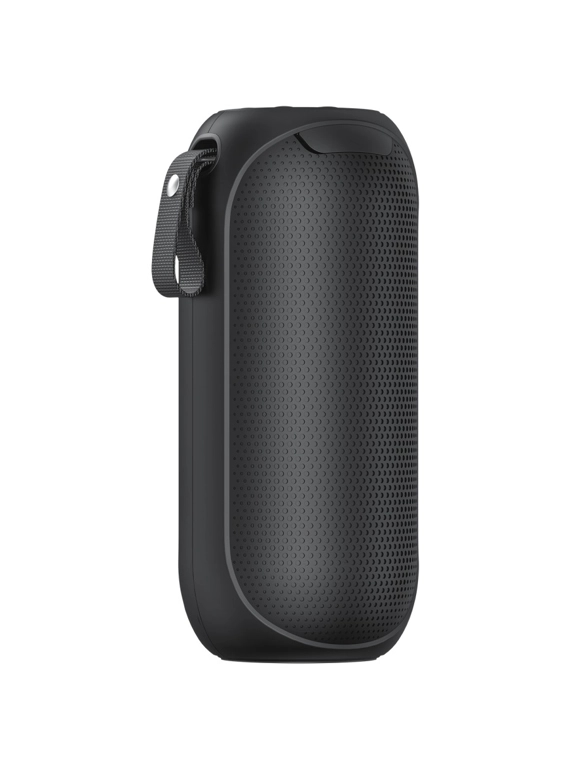
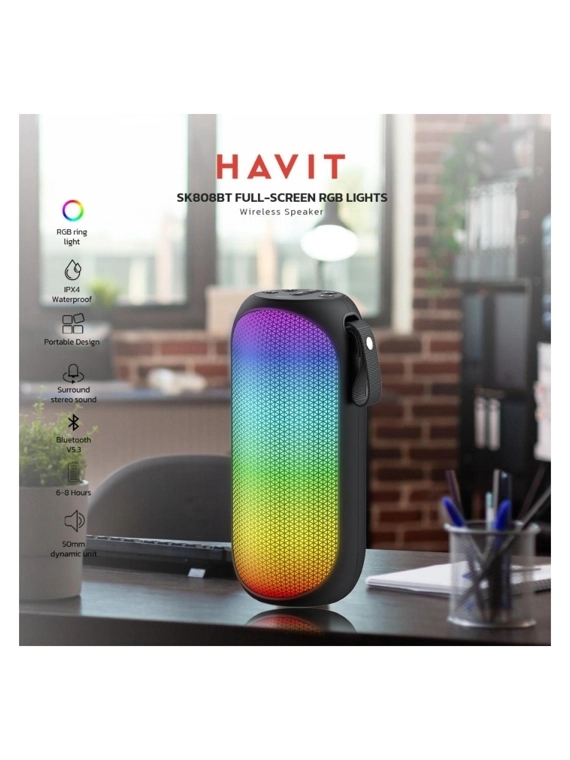
HAVIT SK808BT Speaker with Hanging and Lighting - Black
The HAVIT HV-SK808BT 8W RGB Black portable speaker has a power of 8W. It is compatible with BT, AUX, Micro SD, TWS, RGB. The product is equipped with a handle, which makes it convenient for transportation. The speaker has an RGB backlight function and 7 light modes. The set includes a charging and audio cable, user manual and warranty card. You can control the speaker using the buttons on the top of the case. 1. Connecting the speaker to other devices 1.1. Turn on the speaker. To do this, press and hold the power button for 2-3 seconds. 1.2. Turn on Bluetooth on your gadget, find and connect "HAVIT SK808BT" to your device. After reconnecting, the speaker will automatically connect to the last connected device. 1.3. To disconnect the speaker from the device, press “Volume+” and “Volume-” simultaneously. 1.4. To turn off the speaker, press and hold the power button for 2-3 seconds. 2. Playing music 2.1. To play/pause an audio file, briefly press “Play/Pause”. 2.2. To increase the volume, briefly press “+”, and to decrease – “-”. Press and hold the “+” button to play the next file or “-” to play the previous one. 3. Controlling other speaker functions 3.1. Change modes by briefly pressing the “Mode” button (BT, Micro SD, AUX). For the speaker to be able to play audio files from a Micro SD card, just insert it into the device. You can also connect the gadget to the speaker using the included dual audio cable. 3.2. Activate the RGB backlight by double-pressing the “Light Button”. Select the lighting mode by briefly pressing the same button. To deactivate the RGB backlight, press the “Light Button” twice. 3.3. To reset previously connected devices, press and hold “Volume+” and “Volume-” simultaneously until you hear a beep. Then release the buttons and the speaker will delete the saved data. 4. Connecting two SQ808BT speakers (TWS mode) 4.1. Turn on the speakers. At the same time, the Bluetooth connection on your phone must be deactivated. 4.2. Double-click the “M” button on the speaker that you want to make the main one. You will hear a beep. After that, turn on Bluetooth on your gadget, find and connect to “HAVIT SK808BT”. 4.3. To disconnect the speaker from the device, double-click the “M” button. Recommendations and warnings: - Charge the speaker at a power of no more than 5V, 1A and with the included USB-C cable. - Over time, the battery capacity will decrease due to the use of the speaker and its charging. - During charging, the power indicator lights up red, and when charging is complete, the red light disappears. - Avoid getting liquid on the product. - Keep the speaker away from heat sources. - Do not block the device ports. - Using the maximum volume level for a long time can negatively affect hearing and the service life of the device. - Do not subject the product to mechanical damage or disassemble it. The product warranty period is 1 year.
Sale
Strong tech
|King Fahad / بوابه 6159.2
159.2
199
199
20 %Off
1

similar products
Loading...
Sale
Strong tech
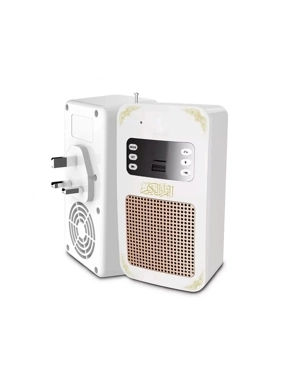
The upgraded Quran speaker supports Bluetooth and remote control SQ669 - White
119
95.2
(20% Off )


Loading...
Sale
Strong tech
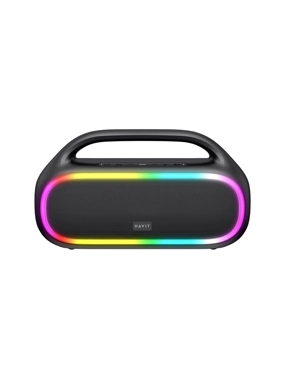
HAVIT SK862BT Waterproof Speaker with Interactive Lighting - Black
559
447.2
(20% Off )
Loading...
Sale
Strong tech
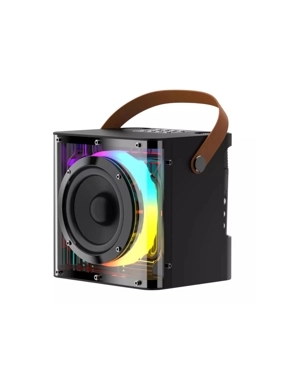
HAVIT SK822BT Speaker with Hanging Mount, 2 Wireless Microphones, and Interactive Lighting - Black
359
251.3
(30% Off )